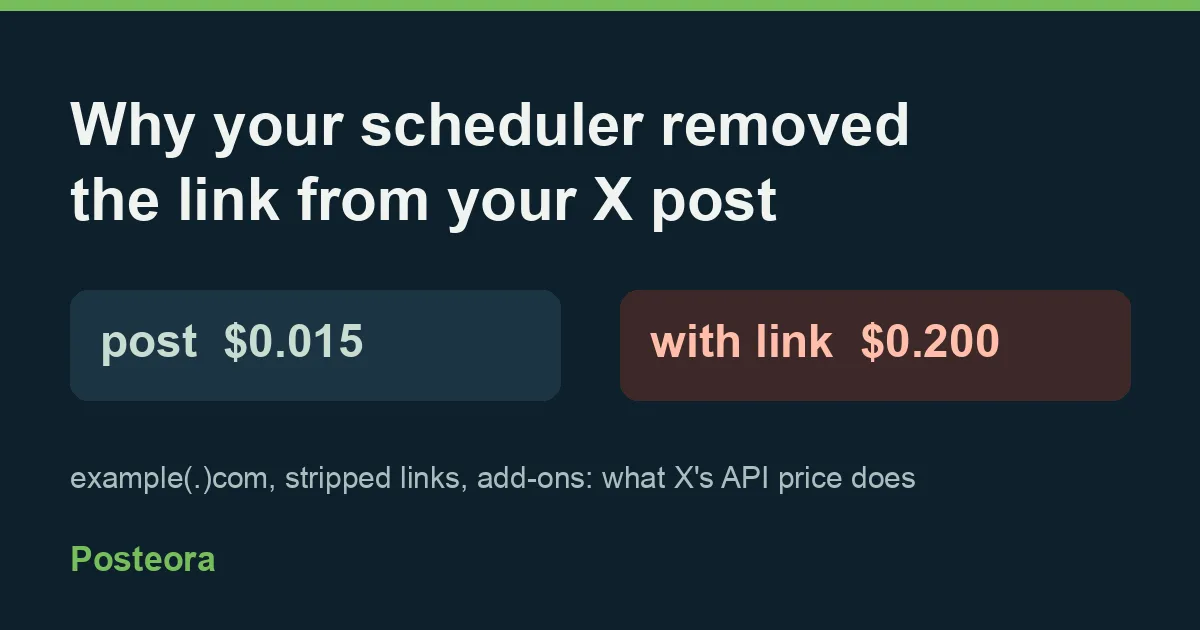
You scheduled a post with a link, and on X it showed up with the link gone, or written as example(.)com so nobody can click it. Your scheduler is not broken. It is avoiding a bill.
Disclosure: we build Posteora, a scheduler that posts to X, so we pay the same bill. The prices below are from X's developer pricing page, checked on 2026-11-20. The tool behaviour is from each tool's own pages, checked on 2026-11-24.
The price behind it
X charges apps for every post they publish through its API:
| What the app publishes | What X charges the app |
|---|---|
| A post | $0.015 |
| A post with a link | $0.200 |
A post with a link costs more than 13 times as much. For one person posting a link every day, that is $6.00 a month in X fees alone, against $0.45 for the same posts without links. The full breakdown is in X API pricing per post, explained, and the X API cost calculator does the math for your own posting.
What schedulers do about it
Every tool that posts to X has to pick an answer. Three you may run into:
- Rewrite the link. On TryPost Cloud, links in the X version of a post go out non-clickable, written like
example(.)com. Readers can still copy the address, but X does not make it a link, so X bills it as a plain post. See Posteora vs TryPost. - Strip the link, or charge for it. Post Bridge removes links from the main post unless you add its "Links in X posts" add-on, $10 a month for 40. Its docs suggest putting the link in a first comment instead. See Posteora vs Post Bridge.
- Keep the link and count it. Posteora keeps links clickable. On Pro, X comes as a monthly allowance shown as about 20 link posts or 260 plain posts, and the preview tells you a post has a link before you approve it. On the free plan, X posts go out without links.
None of these is a trick. They are three ways of passing on the same $0.200.
Four ways to keep your link
- Put the link in a reply. Post the main text without a link, then reply to your own post with the link. Readers find it one tap away. The reply is a post with a link too, so if a tool publishes it, it costs the same $0.200; what you save is only the main post being rewritten or stripped.
- Post link posts yourself in the X app. X does not bill you for posting from its own app or website. Schedule the plain posts, and send the few link posts by hand.
- Pick a tool whose plan includes links. Check the pricing page for the words "links on X". If it is silent, schedule one test post with a link before you move your queue.
- Bring your own X API key. Some tools let you connect your own X developer app, so X bills you directly at its own price. On Posteora, send us your key once you pass the Pro allowance and it is connected at no extra charge.
How to check before you schedule a week of posts
- Schedule one post with a link to X, a few minutes out, and look at it on X once it is live.
- If the link is gone or rewritten, read your tool's help pages for "links", "first comment" or "add-on".
- If you post the same text to other networks, the link usually survives there. Bluesky, Mastodon and LinkedIn do not charge apps per post. To cross-post with one tool, see schedulers that post to Mastodon and Bluesky.
If you want to see what a link post would draw before it goes out, connect your assistant to Posteora for free and ask it to preview one. Nothing is posted until you say yes.