ChatGPT is good at drafting a post for X. On its own it cannot send it: there is no built-in X button in the chat. To get a post from ChatGPT to X you need one of three things: your own hands, your own X API app, or a connector that ChatGPT can call.
Disclosure up front: we build Posteora, which is the third option. The first two are free or close to it, and they are the right choice for some people.
Option 1: copy and paste
Ask ChatGPT for the post, copy it, paste it into X, post or schedule it there. X's web composer can schedule a single post for later.
- Cost: nothing.
- Good for: a few posts a week to X only.
- Downside: every post is a manual step, and nothing reaches LinkedIn, Bluesky or the rest unless you paste it there too.
Tip: ask ChatGPT to keep the post under 280 characters and to leave links out. A link in the post itself is shown to fewer people on X; put it in a reply under the post instead.
Option 2: your own X API app
Developers can create an app in the X developer console and post through the API from a script, then have ChatGPT write the text the script sends.
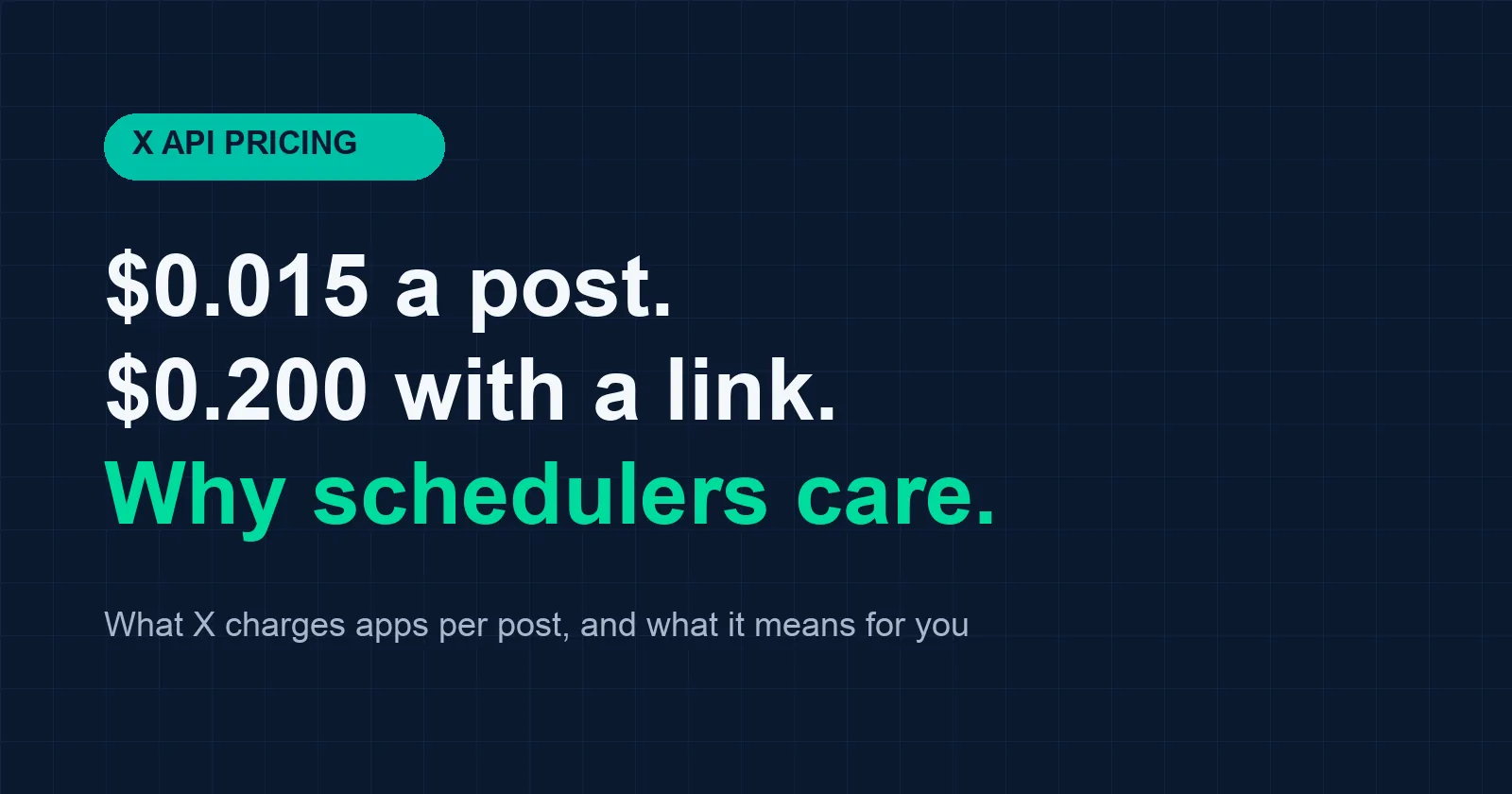
- Cost: X charges per post. Its pricing page lists a post at $0.015 and a post with a link at $0.200, per our reading of docs.x.com on 2026-11-20. We broke the numbers down in what one X post costs through the API.
- Good for: developers who want full control and already run code.
- Downside: you build and host the script, handle OAuth tokens, and ChatGPT still does not see what was posted unless you wire that up.
Option 3: a ChatGPT connector
ChatGPT supports connectors built on MCP, the Model Context Protocol. A connector gives ChatGPT tools it can call, such as "preview this post" and "schedule this post". This is what Posteora is.
Setup takes about five minutes:
- Create a free Posteora account and connect X under Connections. You can connect LinkedIn, Bluesky, Mastodon, TikTok, Pinterest and YouTube too, one account each.
- Turn on developer mode for connectors in ChatGPT settings, then add a connector with the server address
https://posteora.com/mcp. - Sign in with your API key from your Posteora Account page, as a Bearer token. Treat it like a password.
- Ask ChatGPT to post. For example: "Write a short post about today's release and schedule it on X for 9am tomorrow."
Before anything is queued, ChatGPT calls a preview and shows you a receipt: the text as X will take it, the character count, the time it will go out, what it uses from your plan, and a question. Nothing posts until you say yes. Everything it schedules also shows up in your Posteora calendar, where you can edit or cancel it.
- Cost: the free plan has 10 posts a month across all networks, with no card. Links on X need Pro, which is $19 a month or $15 a month billed annually. Full table on pricing.
- Good for: people who already draft in ChatGPT and want it to schedule too, across more than one network.
- Downside: it is one more account, and it posts only to the seven networks above.
The full setup with a copyable message is on the ChatGPT page. If you use Claude Code instead, the same server works there: post to X and LinkedIn from Claude Code in two minutes.
Which one to pick
- A few posts a week, X only: copy and paste. It is free and you lose nothing.
- You are a developer and want to own the pipeline: your own X API app.
- You draft in ChatGPT already and want it to schedule, with a yes from you first: a connector.
Whichever you choose, keep links out of the post on X, and space your posts a few hours apart. X shows fewer of your posts to the same person when several land close together.