For years Hypefury was the scheduler a lot of people used for X. Today its home page and its pricing page list six platforms, and X is not one of them. We checked both on 2026-11-19. We do not know why or when it changed, and this post does not guess. It only deals with what to do if you came to Hypefury for X.
Disclosure up front: we build Posteora, which posts to X. We list two other options below too, including one that is cheaper than us for some people.
First, save what you have
Before you sign up for anything else, get your own writing out:
- Your evergreen posts. These are the posts you had on repeat. Copy them into a plain text file or a spreadsheet, one post per row. This is the asset that took you months to build.
- Your threads. Keep each thread together, with a blank line between its posts, so you can paste it back as a thread later.
- Your best performers. If you ever noted which posts did well, keep that list. It tells you what to put back in the queue first.
- Your posting times. Write down the slots you used. A new tool will ask for them.
A plain text file is the most portable format there is. Every scheduler can take text you paste in.
Then decide what you actually need
Ask yourself three questions:
- Is X still your main network? If it is, any tool you pick has to post to X, which rules out anything built only for other networks.
- Which other networks matter? LinkedIn and Bluesky are common second homes. TikTok, Pinterest and YouTube need a tool that handles video.
- Do you want an AI writer that fills the queue, or do you want to write and approve each post? Hypefury leaned toward the first. Some tools lean toward the second.
Three places that still post to X
1. X's own composer
The X composer on the web can schedule a single post for later. It costs nothing and needs no new account. It does not do evergreen repeats, it does not post anywhere else, and you have to schedule each post by hand. Fine for a handful of posts a week.
2. Typefully
Typefully is a writing-first scheduler for X, Bluesky, LinkedIn, Threads, Mastodon and Substack. Its Creator plan is $99 a year, billed annually, per its pricing page on 2026-11-19, and there is a free plan with 10 posts a month. If you only post to X and LinkedIn and you like writing in a clean editor, that is the cheapest paid option here. We wrote a fuller side by side at Posteora vs Typefully.
3. Posteora
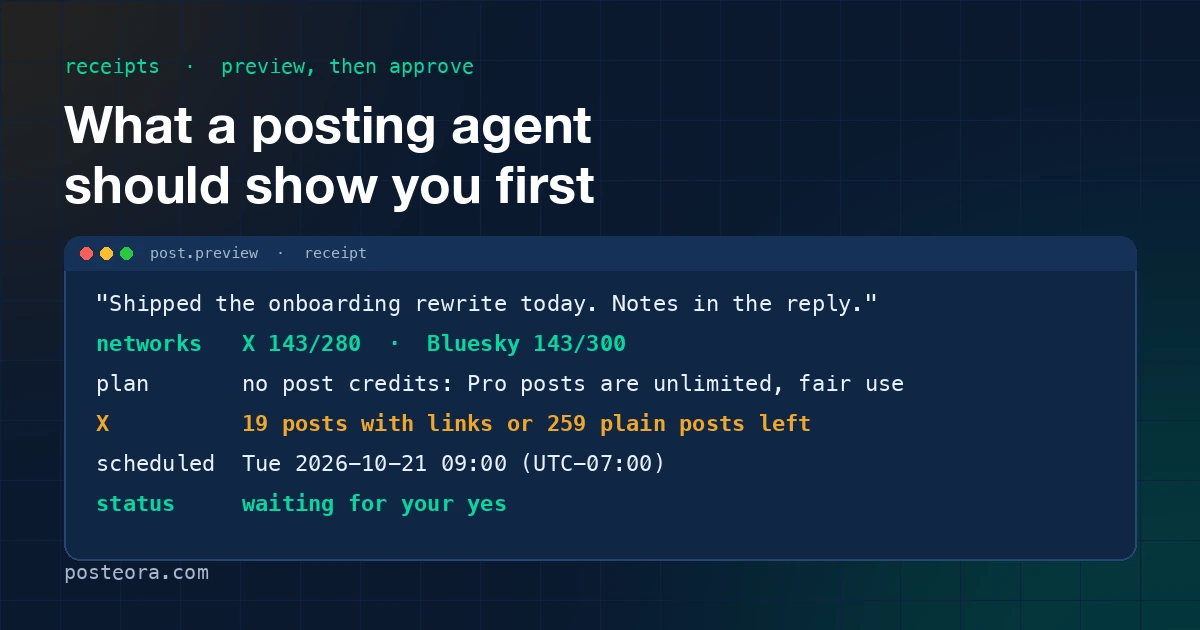
Posteora is a posting agent for Claude, ChatGPT and Claude Code. You tell your assistant "post this", Posteora shows the networks, the time and a cost receipt, waits for your yes, and posts. It covers X, LinkedIn, Bluesky, Mastodon, TikTok, Pinterest and YouTube. There is a free plan with no card (10 posts a month) and Pro is $19 a month, or $15 a month billed annually. Links on X go in a reply under your post, so the post itself is not ranked down. Details are in Posteora vs Hypefury and on pricing.
It is not the right pick if you want an AI writer to keep a queue full on its own. It waits for you every time.
Moving your evergreen queue, step by step
Whichever tool you choose:
- Paste five of your best evergreen posts first, not all of them. Check how they look on the new tool before you load the rest.
- Space them out. X shows fewer of your posts to the same person when you post several close together, so one or two a day, hours apart, usually does better than five in a morning.
- Keep links out of the post itself. Put the link in a reply under it.
- Load the rest of the queue once the first week looks right.
Short answer
If X still matters to you, save your posts as text today, pick a tool that posts to X, and start with five posts rather than the whole backlog. If you work in an AI assistant already, try Posteora free. If you want the cheapest X and LinkedIn plan, look at Typefully first.