I build Posteora, so read this knowing that. I also think Postiz is a good product and I am not going to pretend otherwise. If you want 30+ networks, an image editor, team roles and the source code under the AGPL, Postiz has all of that and Posteora does not. This post is for the other group: the people who pulled the Postiz image on a Saturday, got as far as the network developer apps, and closed the laptop.
Facts about Postiz below were checked on postiz.com on 2026-10-17. If something has moved, tell me at support@posteora.com and I will fix it.
What self-hosting Postiz actually asks of you
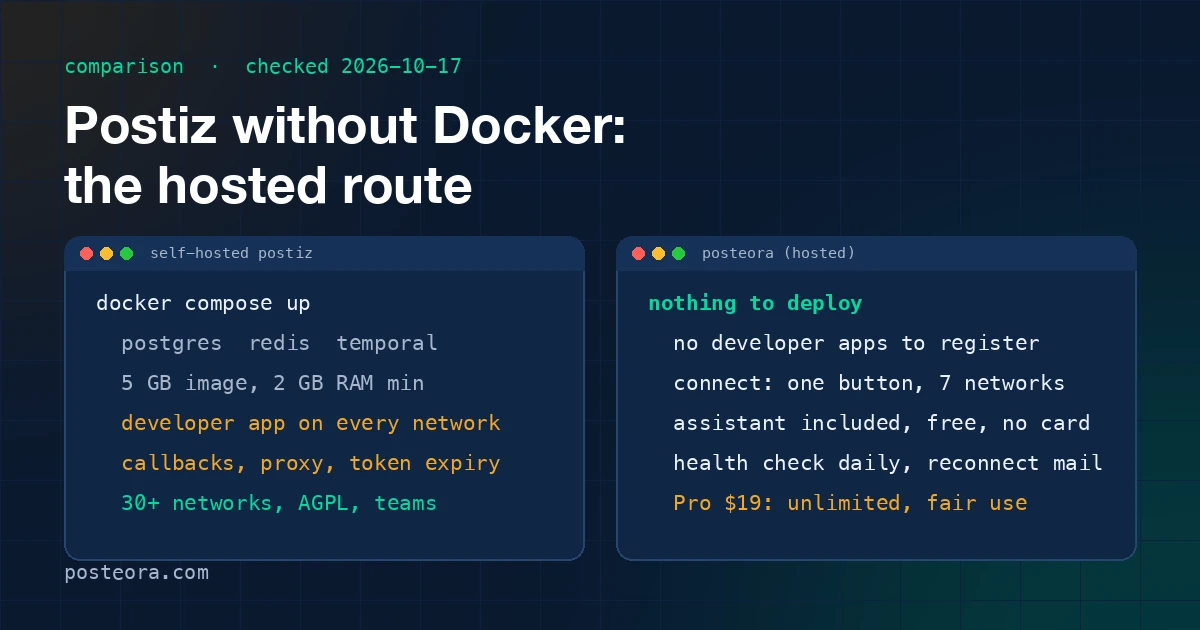
The Docker Compose file is the easy part. The full list, from their own docs and the open issues:
- Postgres, Redis and Temporal, all running, all backed up. Temporal is the workflow engine that fires your scheduled posts; if it is down at 9:00, the 9:00 post does not go.
- A 5 GB image and at least 2 GB of RAM. Fine on a real server, tight on the cheapest VPS tiers, and a surprise on a Raspberry Pi.
- Your own developer app on every network. This is the step people underestimate. X, LinkedIn, TikTok, YouTube and Pinterest each have a developer console, an app review, callback URLs and a terms page you must host. Some reviews take days; some want a video of your app. You do that once per network, per instance.
- A reverse proxy and a public hostname so the OAuth callbacks can reach you, and a login that survives the proxy. A long-running open issue on their tracker is a connect failure ("Could not add provider"), and login loops behind a proxy are a recurring complaint.
- Keeping it alive. Tokens expire. A channel that silently disconnects takes its scheduled posts with it, and nothing tells you until you look.
None of this is a knock on Postiz. It is what running a multi-network publisher costs, and they are honest about it in the docs. The cloud plan exists for exactly this reason: $29 a month, or $23 a month billed annually, for 5 connected channels, with a 7-day trial that asks for a card.
The hosted route
Posteora is hosted only. There is nothing to deploy, no database to run, and no developer apps to register: our apps are registered and approved on each of the seven networks, so you connect an account with one button and an OAuth screen. That is the whole install.
What is on it today:
- Seven networks: X, LinkedIn, Bluesky, Mastodon (any instance), Pinterest, TikTok and YouTube. Every one of them is on every plan, one account each, and the price never depends on how many you connect.
- A free plan with no card. 10 posts a month, 5 AI credits topped up every day, and the assistant connection included. You find out whether this fits before paying anything.
- Pro at $19 a month, or $15 a month billed annually, with unlimited posts under fair use (600 on one network in a month) and an X allowance of about 20 posts with links or 260 plain posts.
- The assistant you already use. Posteora is a posting agent for Claude, ChatGPT and Claude Code over MCP, with 16 tools. The assistant drafts,
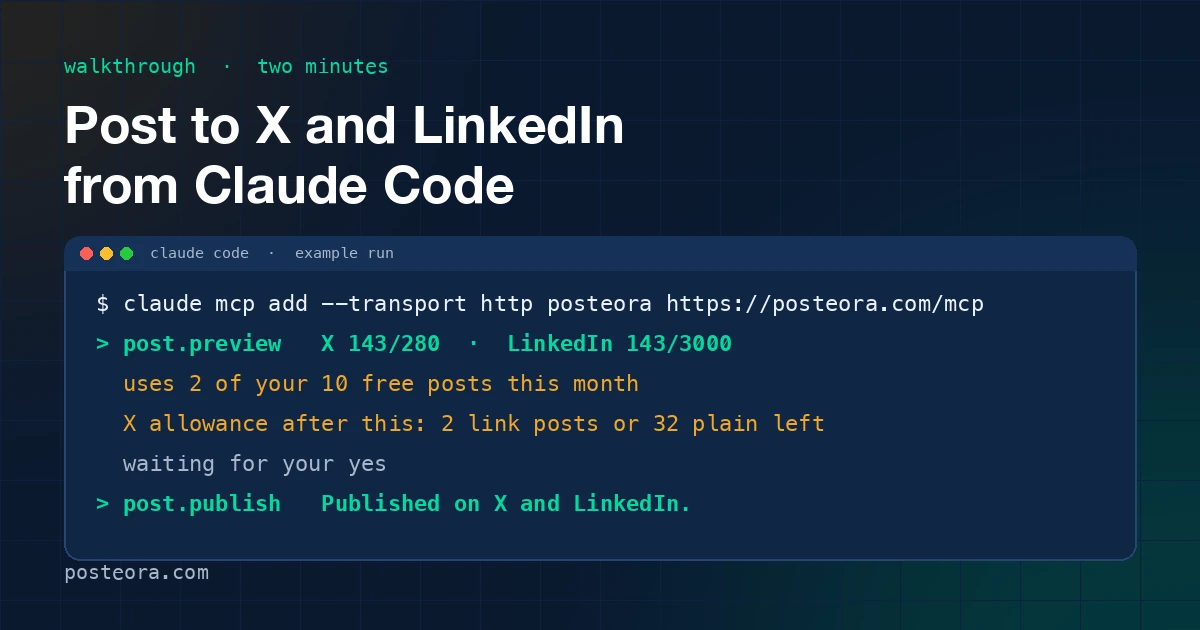
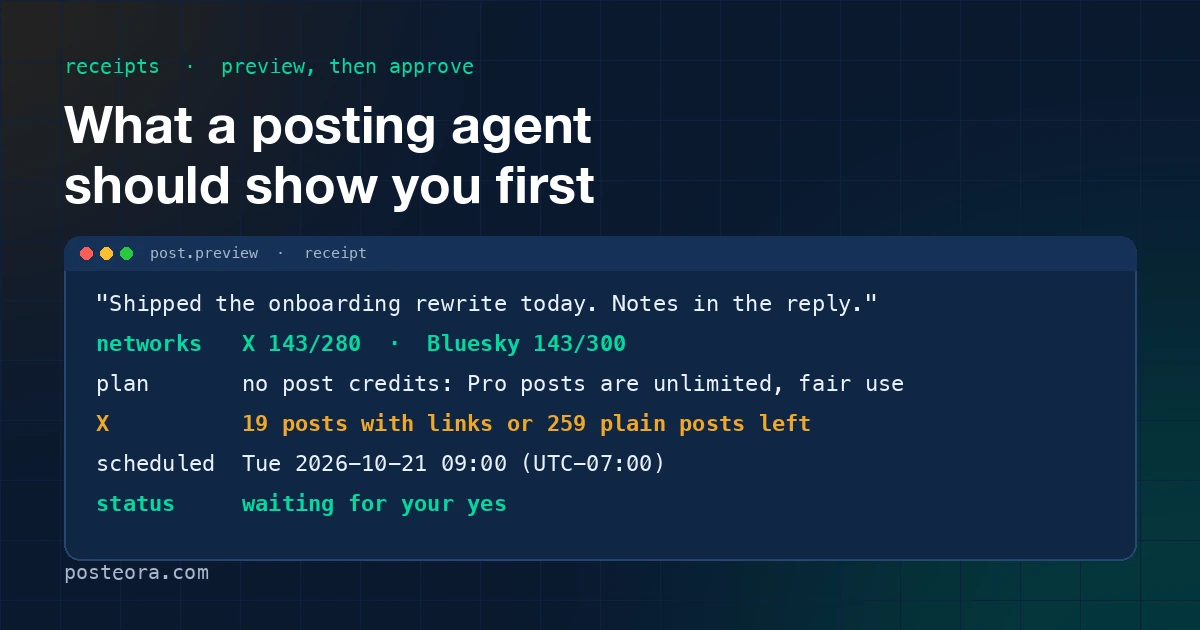
post.previewshows the cost and the targets, and the assistant waits for your yes beforepost.publishorpost.schedule. Two minutes in Claude Code is the walkthrough. - Connection health. Every connected account is checked once a day. A dead grant gets a Reconnect pill, shows up as
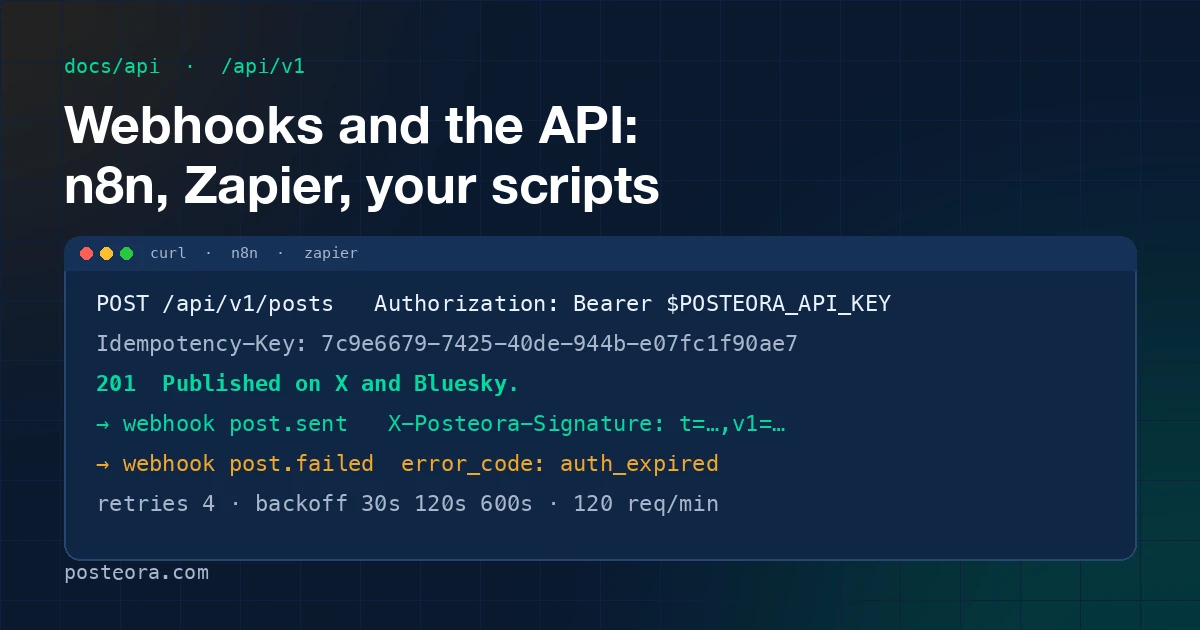
needs_reconnectfor your assistant, and sends one email before a queued post would hit it. That is the "silently disconnected channel" problem handled. - Webhooks and a REST API at /docs/api for n8n, Zapier, Make and your own scripts. Six events, signed, retried.
- Per-post analytics for X, Bluesky, Mastodon, YouTube and Pinterest, on each Activity row and through
analytics.get. - Support answered by a human within one business day. There is one person behind that address, and it is me.
What you give up
Be clear-eyed about this part; it is the part a comparison page usually hides.
- Breadth. Postiz covers 30+ networks, including Instagram, Facebook and Threads. Posteora posts to seven. If the network you need is not in the list above, Postiz is the right tool and this post ends here for you.
- Self-hosting itself. Your data is on our servers, not yours. If owning the stack is the point, you want Postiz, and I mean that.
- An image editor, AI images and video, RSS auto-posting, team roles. None of those exist here. Our buyer is one person with their own networks and an assistant.
- Daily caps. To keep every account clear of spam filters, Pro caps posts per network per day (X 5 with at most 1 link, TikTok 3, YouTube 3, LinkedIn 3, Pinterest 10, Bluesky 10, Mastodon 10). Postiz does not cap you. The numbers are on the pricing page.
The full side-by-side, dated and kept current, is at /alternatives/postiz.
Moving over takes about ten minutes
There is nothing to export from a self-hosted Postiz that Posteora needs. The sequence:
- Sign up at posteora.com. No card.
- Connect the networks you post to on the Connections page. One button each.
- Open the setup page for your assistant (Claude, Claude Code or ChatGPT) and paste the message it gives you. For Claude Code it is one
claude mcp addcommand and a sign-in. - Ask for a post. Read the receipt. Say yes.
If you had Postiz scheduling posts from n8n, the API post shows the HTTP Request node and the webhook that replaces your polling.
A note on "unlimited" and fair use
Postiz's Standard plan has no post cap, and I used to think a hard cap was the honest alternative. It is not; it just moves the limit into a comparison table. So Pro is unlimited with the fair use number printed next to it, which is what Metricool and Buffer do, and the X allowance is shown as posts because X is the one network that charges per post. If you ever hit the allowance, write to support and we connect your own X API key at no extra charge.
When to stay with Postiz
Stay if any of these is true: you need a network outside the seven, you run a team and want roles, you want the source, or you have already done the developer-app work and it runs. Switching a working stack for a cheaper plan is rarely worth it.
Come over if you want the posting to be a sentence to your assistant and a yes, and you never want to see a Temporal log again.